Track your coffee, caffeine and sleep in one cosy app
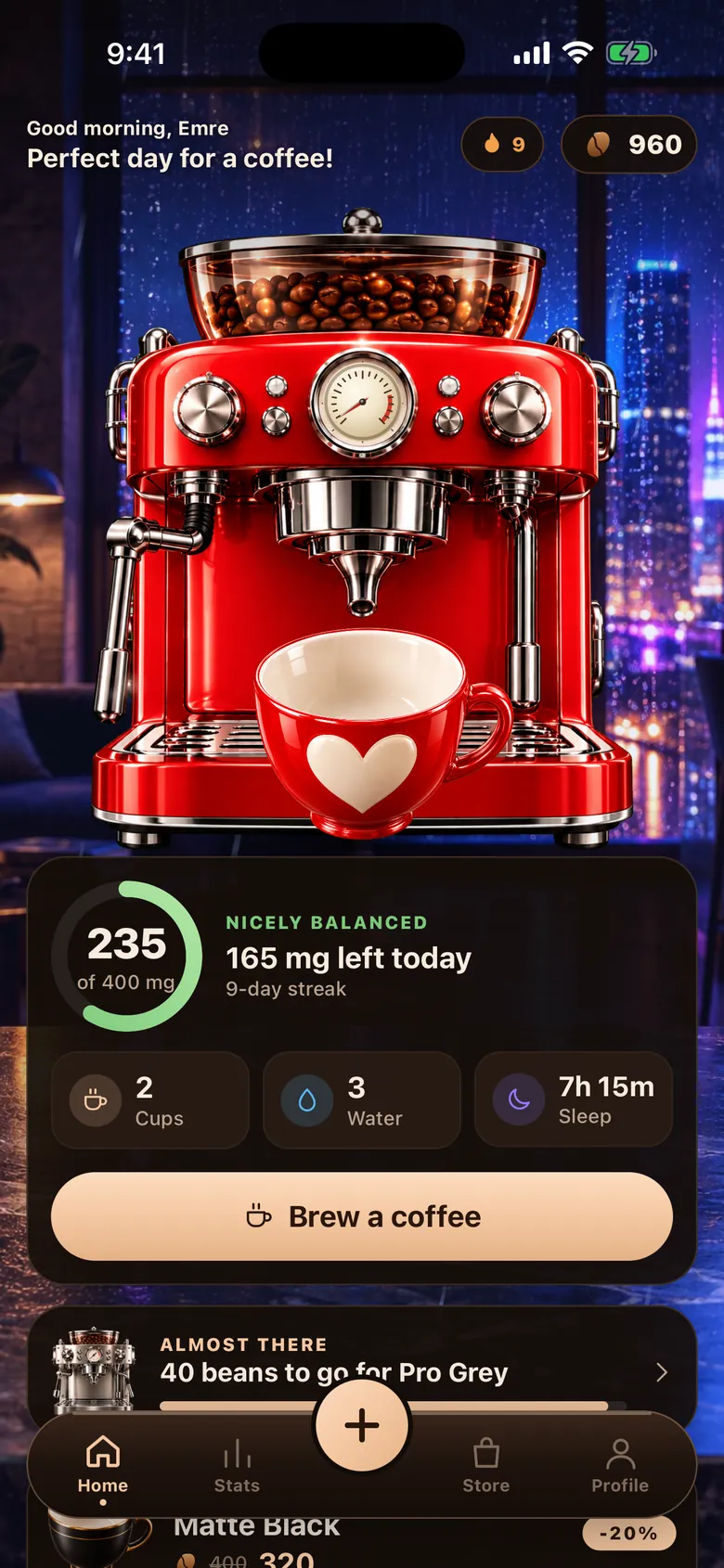
A coffee machine pours your cup live on screen. The cup drains as you drink and the caffeine is logged for what you drank. See your daily caffeine limit and how your last coffee affects your night at a glance.
Coming soon on the App Store. iOS 15.1 or later, English and Turkish.
How it works
Three steps, a few seconds. No account needed.
Pick your drink
Choose one of 16 drinks. Each has its own coffee colour and caffeine amount.
Let it pour, then sip
The machine pours your cup live. Then the cup drains slowly, as if you were drinking it.
Watch your ring and your sleep
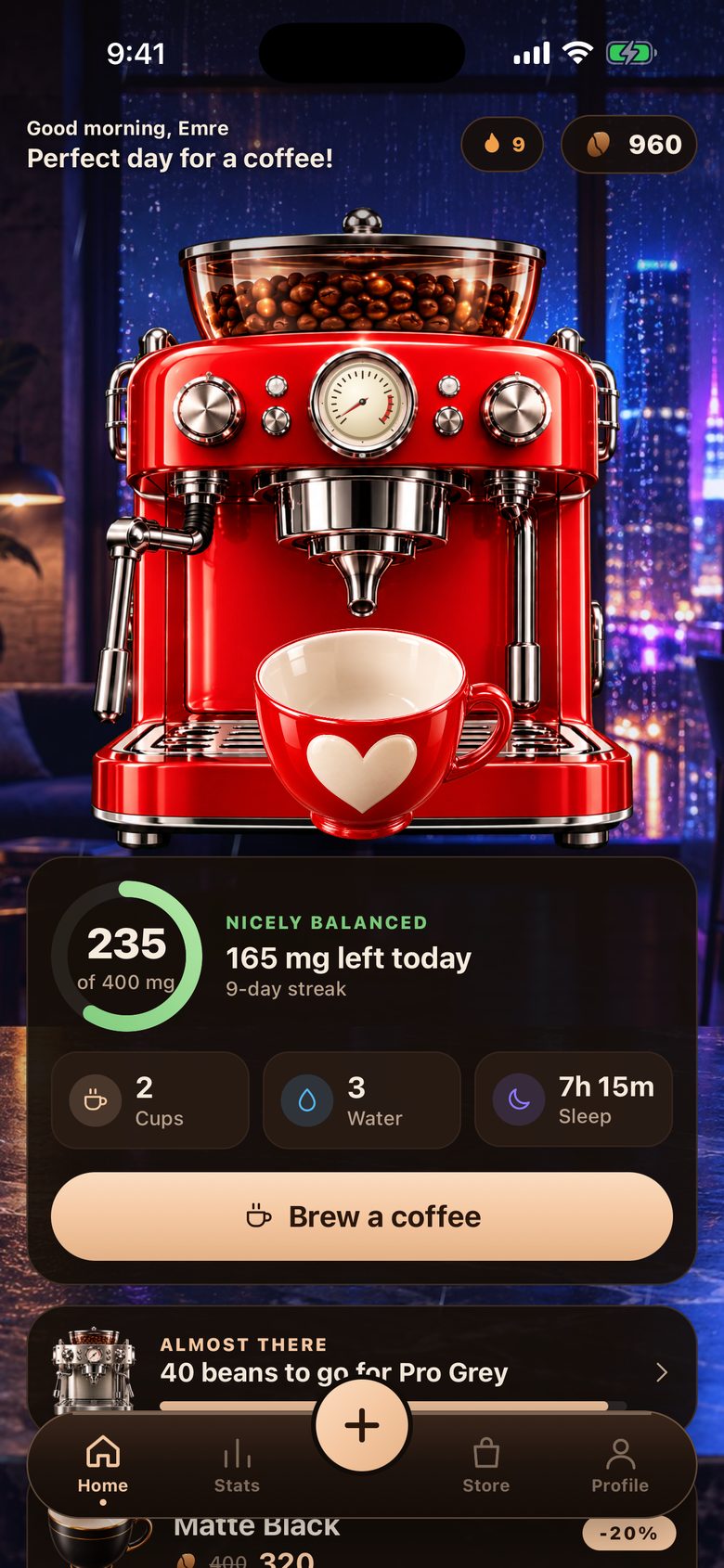
Caffeine is logged for you. See your daily ring near your limit, and what it may do to your night.
A caffeine tracker that is cute and honest
BrewTrack is a caffeine calculator, a coffee diary and a small playground. It never tells you to drink more.
Live pour
The machine really fills your cup on screen: the stream, the steam, the foam. A tiny coffee break.
16 drinks, 16 colours
From espresso to Turkish coffee, matcha to tea. Every drink has its own colour and caffeine.
Caffeine ring and limit
Your daily ring shows how close you are to your limit. You set the limit.
Caffeine and sleep
See your last coffee before bed next to your sleep. Sleep insights are in Premium.
Store and name cup
Coffee machines, cups, glasses and backdrops like rain, snow, fireplace, neon, beach and aurora. Put your own name on a cup.
Smart reminders PREMIUM
“You haven’t had your coffee”, “too much coffee today”, “this coffee will cost you sleep”. Notifications are scheduled on your device.
Apple Health PREMIUM
Writes caffeine to Apple Health and reads your sleep. Off by default, you turn it on.
Reports and caffeine guide
Day, week and month reports. A short, plain guide to caffeine. Reports are in Premium.
- Espresso
- Doppio
- Americano
- Latte
- Cappuccino
- Flat White
- Mocha
- Macchiato
- Cold Brew
- Turkish coffee
- Filter coffee
- Instant coffee
- Decaf
- Matcha latte
- Tea
- Energy drink
Beans: rewards for honest logging
Everything in the store is bought with beans you earn in the app. Beans come from logging honestly and having healthy days. There is no reward for drinking more coffee, and no beans on a day over your limit.
Screenshots
Home 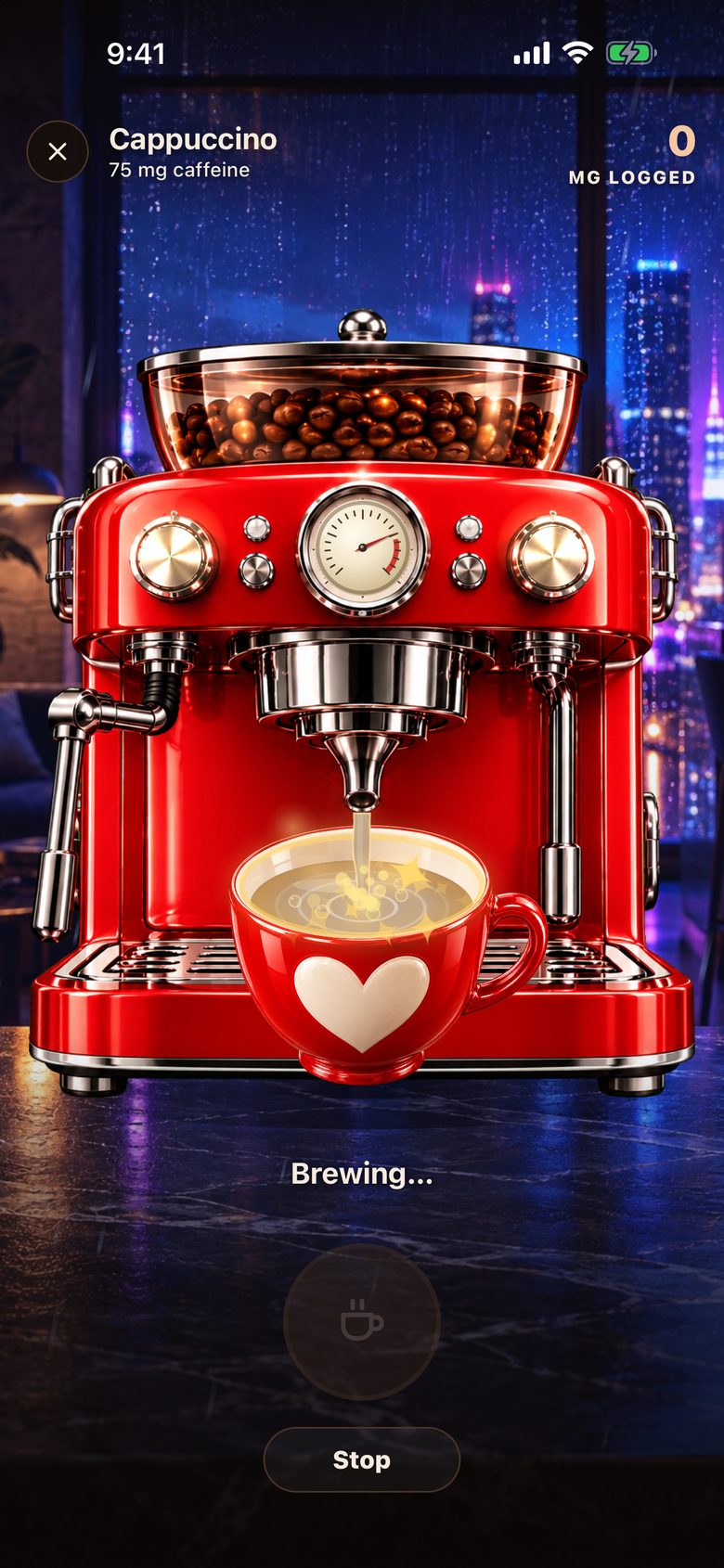
Live pour 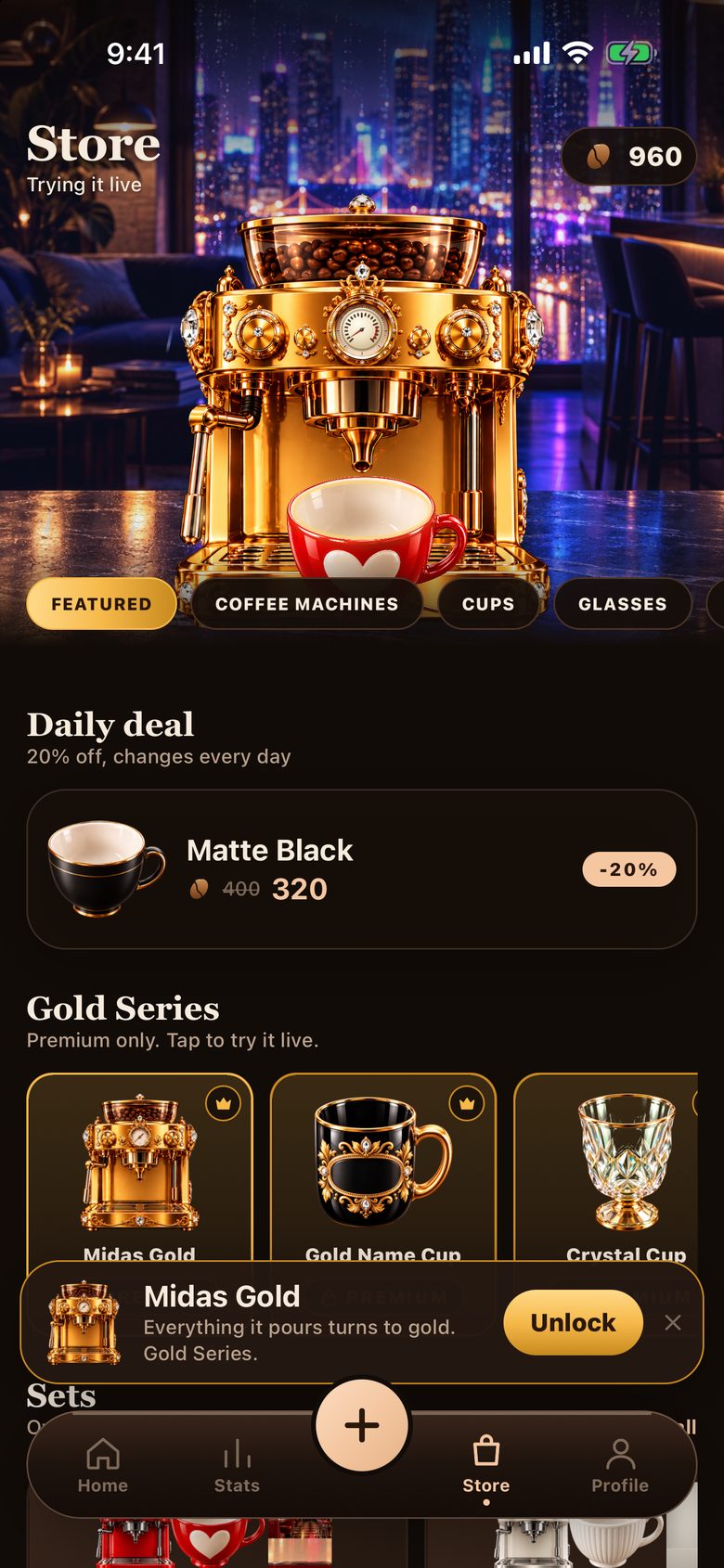
Store 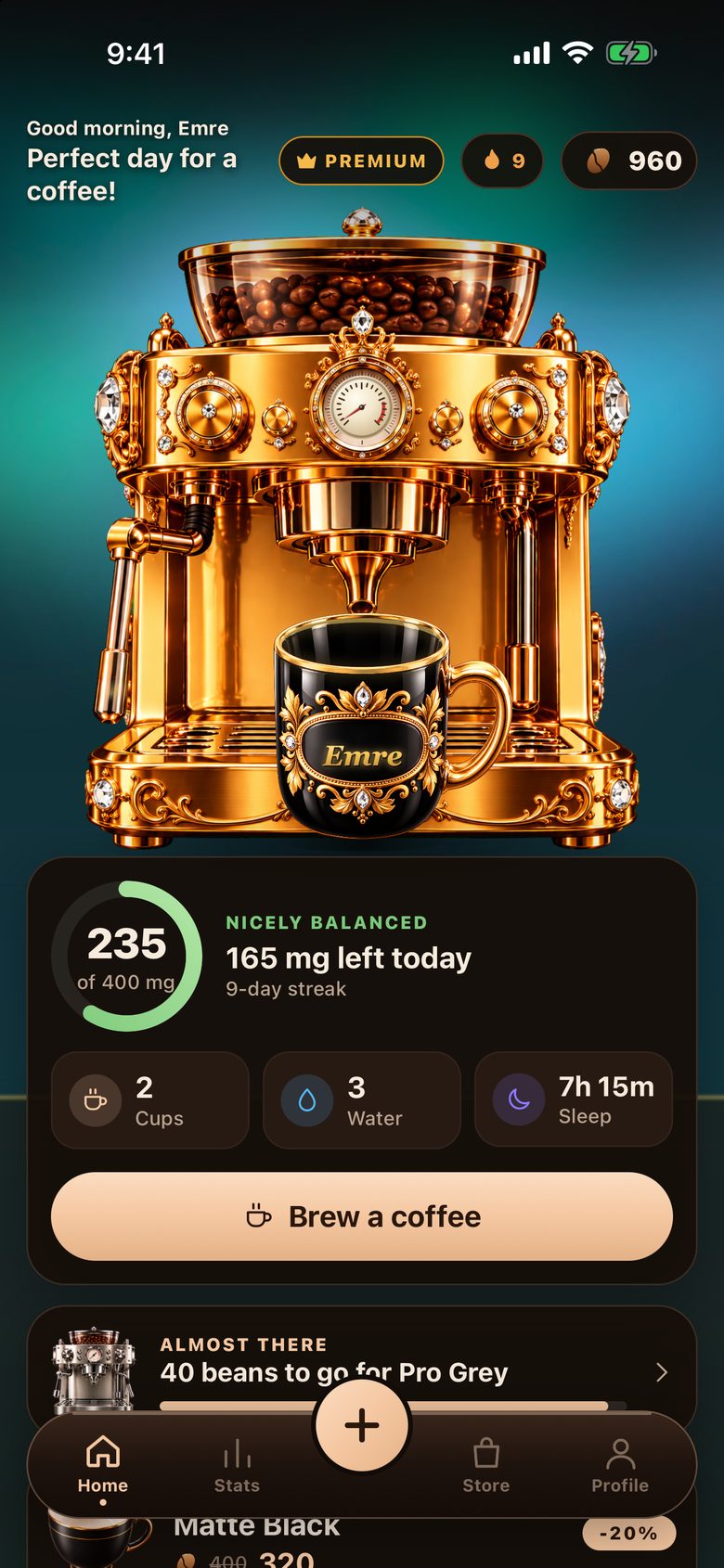
Gold Series 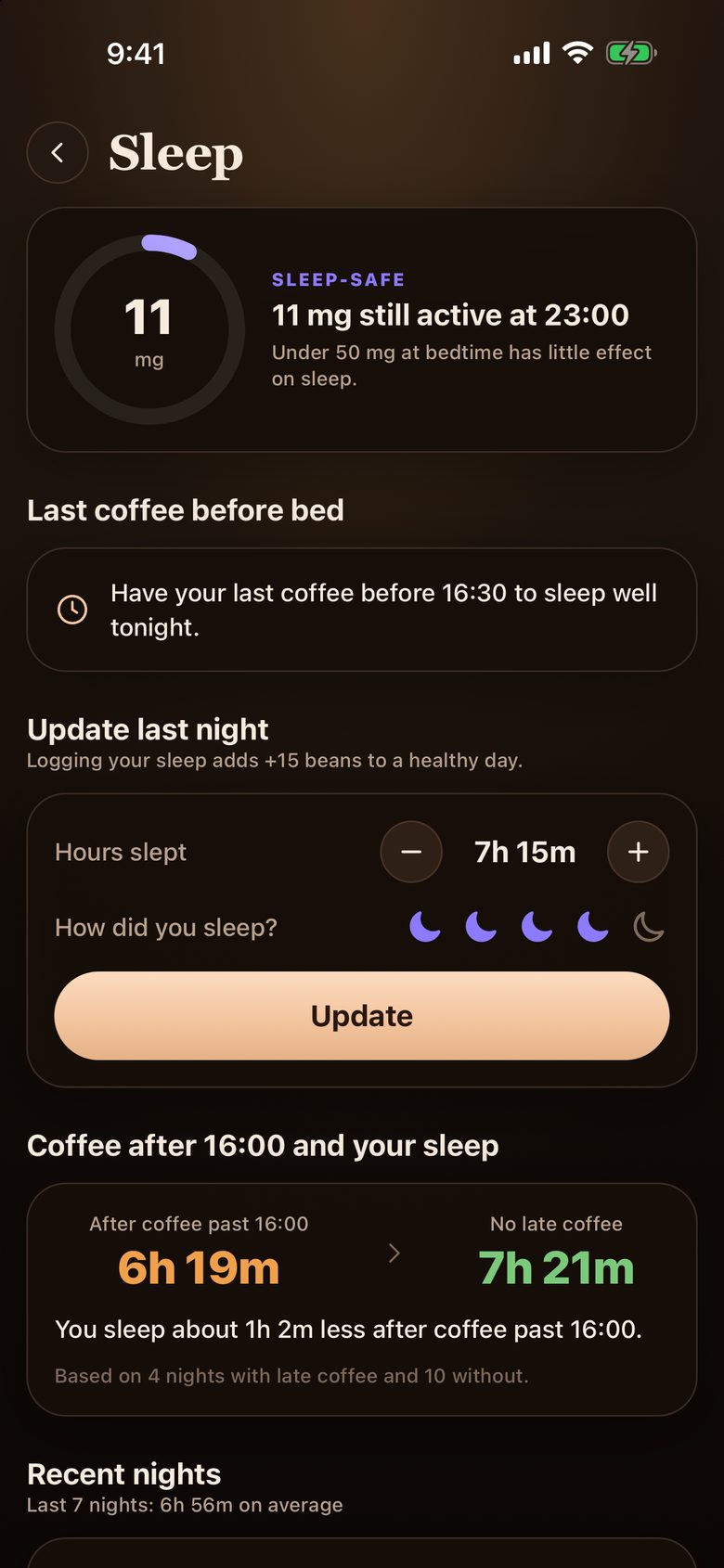
Coffee and sleep 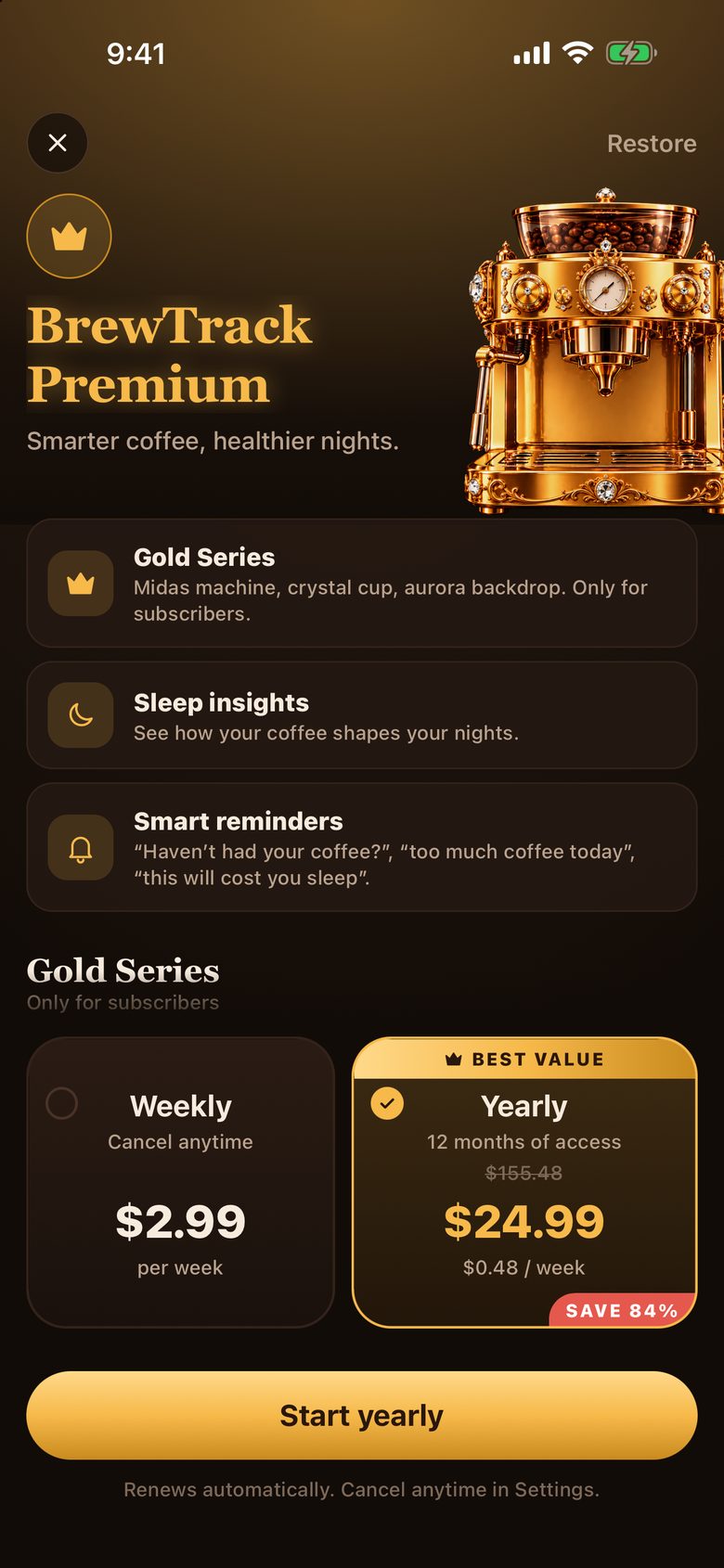
Premium


Frequently asked questions
Anything else on your mind? Visit the support page or write to us.
What is BrewTrack and what does it do?
BrewTrack is an iPhone app that tracks the coffee you drink, the caffeine you take in and your sleep, all in one place. A coffee machine pours your cup live on screen, the cup drains as you drink, and the caffeine is logged. Your daily ring shows how close you are to your limit, and the sleep screen shows how your last coffee relates to your night.
How is caffeine calculated? Can I set my own limit?
Every drink and size has a caffeine amount based on published averages. The app works like a caffeine calculator: you pick the drink and it adds the milligrams for you. Real values vary by brand, brewing and person, so the numbers are estimates. You set your own daily limit. A commonly cited general guideline for healthy adults is about 400 mg a day. That is general information, not medical advice. If you are pregnant or have a health condition, ask your doctor.
How does the coffee pour and get logged?
You pick the drink first. The machine pours the cup live. Then the cup drains slowly, as if you were drinking it. Caffeine is logged for what you actually drank. If you leave half, half is counted.
Is the app free? What does Premium unlock?
Without Premium you can still brew, log your caffeine, earn beans and shop in the store. BrewTrack Premium, as a weekly or yearly subscription, unlocks the whole store, the Gold Series, gold pour effects, sleep insights, reports, Apple Health sync and smart reminders. Ads go away too. Prices are shown in the App Store.
Are there ads?
Free users see a few optional ads: rewarded “watch to earn beans” ads and the occasional interstitial. Subscribers see none. If a tracking prompt appears you can decline and the app works fully.
Where does my data go? Do I need an account?
No account, no sign-up. Your logs, settings, sleep entries and inventory stay on your device and nothing is sent to our servers. Purchases go through Apple and RevenueCat handles subscription status. For free users, Google AdMob serves ads. Details are in the privacy policy.
Does it work with Apple Health?
Yes, with Premium. It is off by default and only asks permission when you turn it on. BrewTrack writes the caffeine you log to Apple Health and reads your sleep. That data stays on your device and in Apple Health and never reaches us. You can revoke access any time in iOS Settings > Health.
What are beans? Do I earn more if I drink more coffee?
Beans are the in-app virtual currency. You earn them by logging honestly and having healthy days, never for drinking more coffee. On a day over your limit you earn none. Beans are spent in the store on machines, cups and backdrops and have no cash value.
Ready to pour your first cup?
No account, no sign-up. Download, pick a drink and watch the cup fill.
Coming soon on the App Store.